
Notion AI - AI Writing and Knowledge Management Built In
Paid Add-OnNotion AI brings generative AI directly into your workspace — writing assistance, summarization, brainstorming, and translation across all your Notion pages.
Rated by our editorial criteria, not by paid placement.
Pricing, model access, and rights can change; verify final terms with the provider.
Outbound links may be affiliate links and do not affect the review verdict.
Tech Specs
Overview
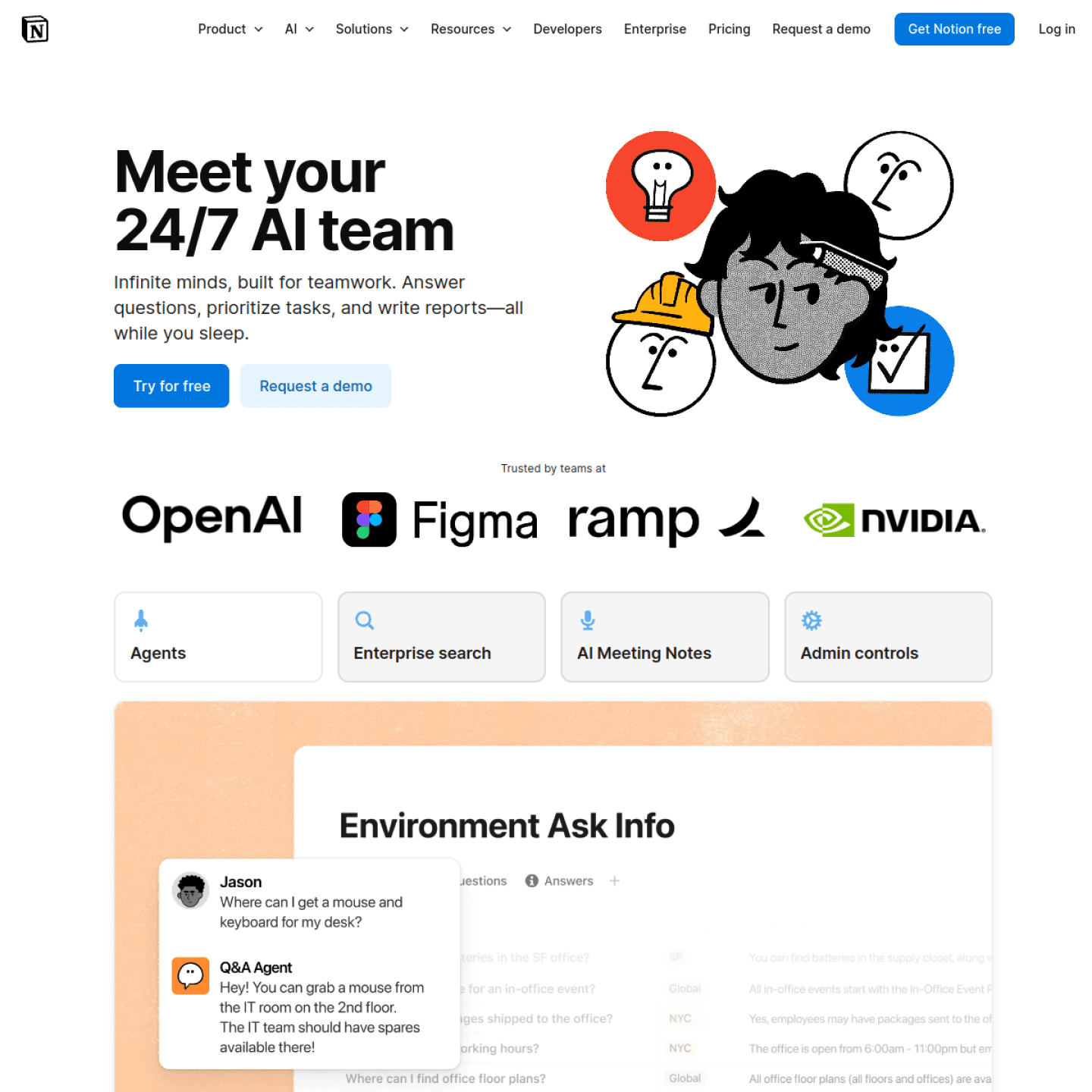
Notion AI is not a standalone product — it is a layer of generative AI built directly into Notion's existing workspace. This means you get writing assistance, summarization, brainstorming, and translation right where your documents already live, without switching to a separate AI tool.
Key Features
- AI Writing: Select any block and ask AI to write, rewrite, or expand. Useful for drafts, emails, and documentation.
- Summarize: One-click summary of long pages, meeting notes, or research documents.
- Brainstorm: Generate ideas, outlines, and action items from a short prompt.
- Change Tone: Rewrite existing content to be more professional, casual, confident, or friendly.
- Translate: Translate content into 10+ languages without leaving the page.
- Custom Prompts: Save and reuse custom AI prompts for recurring tasks.
Pricing Breakdown
| Plan | Price | Features |
|---|---|---|
| Free | $0 | Basic Notion features, no AI |
| Plus | $10/mo/member | Full Notion + AI as add-on |
| Business | $18/mo/member | Admin tools, billing, advanced permissions + AI |
| Enterprise | Custom | SSO, SCIM, advanced security + AI |
AI is a $10/month per member add-on to any paid Notion plan. There is no standalone free tier for AI features.
Pros and Cons
Pros:
- No context switching — AI lives where your work already is
- Excellent for teams already using Notion
- Summarization of long documents is genuinely useful
- Tone-changing feature saves time on communication
- Clean, intuitive UI
Cons:
- $10/month per member adds up quickly for teams
- Not as powerful as dedicated writing tools like Jasper
- Limited customization of the underlying model
- Requires a paid Notion plan first
Best Use Cases
Notion AI is strongest when the source material already lives inside Notion. A product manager can turn meeting notes into action items, a student can summarize research pages, and an operations team can rewrite internal documentation without moving content into another editor. The tool is less compelling if your team mainly writes in Google Docs, Linear, Slack, or a code repository because the biggest benefit is the ability to work directly inside existing Notion pages.
It also works well for "second draft" tasks. Instead of asking it to create a full strategy from scratch, use it to tighten a messy outline, summarize a long planning page, translate support notes, or convert brainstorms into a checklist. That keeps the output grounded in your own context and reduces the generic writing problem that affects many AI writing assistants.
Who Should Skip It
Skip Notion AI if you only need a general chatbot, if your workspace is small enough that document search is not painful, or if your team is sensitive to per-seat add-on pricing. The cost is easy to underestimate: a ten-person team paying for Notion AI on top of a paid Notion plan is making a real software budget decision, not just adding a small feature.
Teams with strict compliance requirements should also review Notion's current security and AI data-use documentation before enabling it broadly. The convenience is useful, but workspace-level AI access can touch meeting notes, customer research, and internal strategy pages, so admins should decide which teams and databases are appropriate.
Notion AI vs Dedicated Writing Tools
Compared with Jasper, Notion AI is less specialized for marketing campaigns and brand-governed content operations. Jasper offers more templates, brand voice workflows, and campaign-oriented features. Compared with ChatGPT, Notion AI is less flexible as a general assistant but much more convenient for editing content already stored in Notion.
The practical decision is simple: choose Notion AI when your writing, planning, and knowledge base already live in Notion. Choose a dedicated writing platform when you need campaign templates, approval workflows, and multi-channel publishing. Choose a general chatbot when you need broad reasoning, coding help, or research outside your workspace.
Verdict
Notion AI is best understood as a workflow upgrade, not a standalone AI product. If your team already lives in Notion, the convenience can justify the price. If not, the add-on feels easier to skip than adopt.
Teams that want deeper editorial control should compare it with Gamma for presentation drafting or ChatGPT for broader writing and reasoning.