
Claude Code - Anthropic Terminal-Native AI Coding Assistant
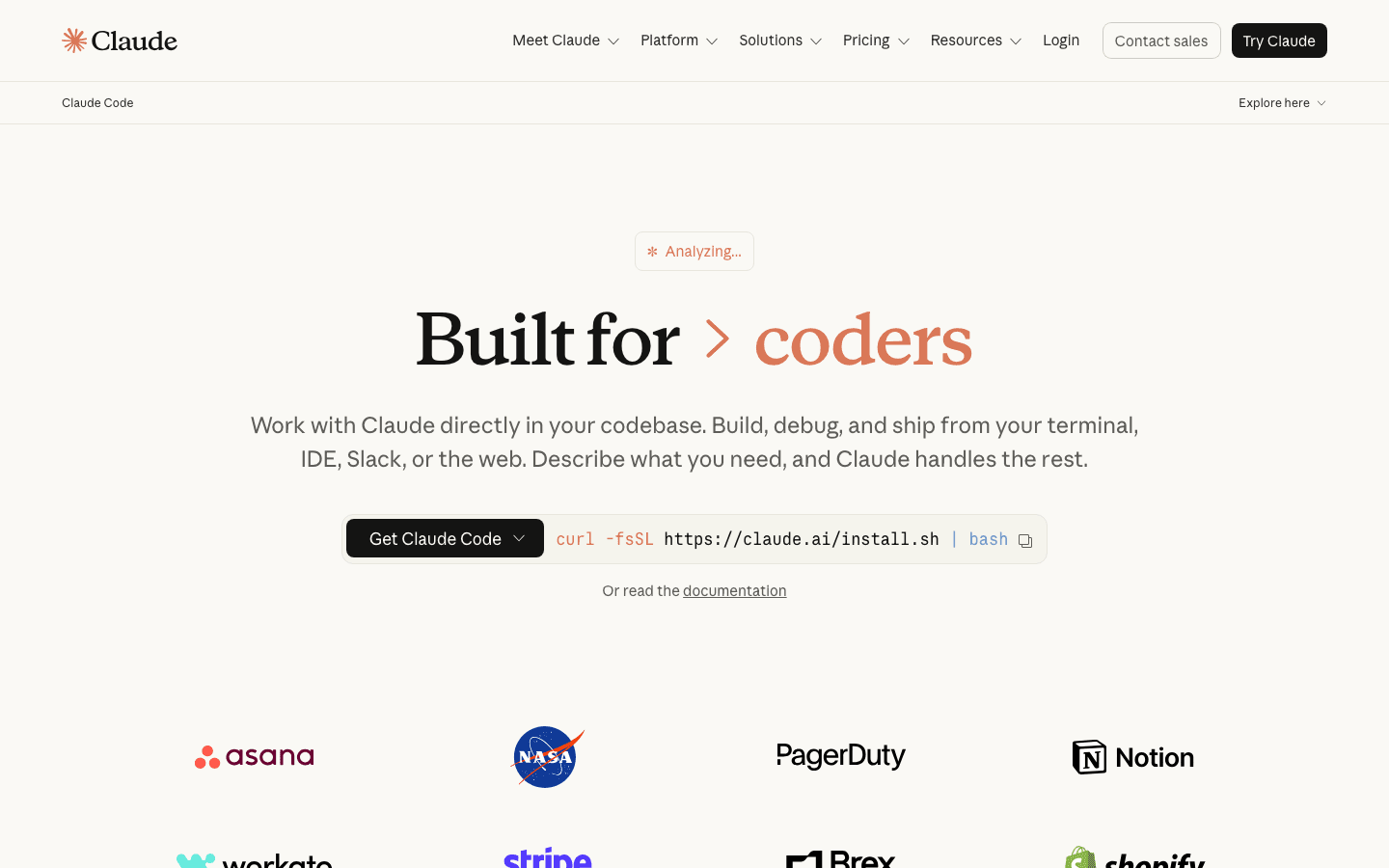
PaidClaude Code is Anthropic’s terminal-native AI coding agent that reads entire codebases, plans multi-step implementations, manages Git workflows, and produces production-ready code with ~30% less rework. Powered by Claude Opus 4.5.
Rated by our editorial criteria, not by paid placement.
Pricing, model access, and rights can change; verify final terms with the provider.
Outbound links may be affiliate links and do not affect the review verdict.
Tech Specs
Overview
Claude Code launched by Anthropic in early 2025 as an AI-powered coding assistant that operates directly in your terminal. Unlike traditional AI coding assistants that require web-based interfaces, Claude Code integrates into your local development environment and understands your entire codebase.
The tool represents a fundamentally different paradigm from GitHub Copilot (autocomplete-first) and even Cursor (AI-integrated IDE). Claude Code is an autonomous agent — you describe what you want, it reads your codebase, plans the implementation, writes the code, runs tests, and submits a pull request.
Key Features
Terminal-Native Architecture
Claude Code lives in your terminal, giving it direct access to:
- File system — reads and writes files across your entire project
- Shell commands — runs tests, builds, linting, git operations
- Local environment — uses your existing toolchain, not a sandbox
This is significant. Most AI coding assistants operate within a constrained environment. Claude Code works exactly like a senior developer sitting at your machine.
Visual Workflow Notes
Claude Code does not win because it has the prettiest interface. It wins when the terminal workflow is already where the developer makes decisions. The useful review question is whether the command history, file diff, test output, and Git state are visible enough for a human to stay in control.
| Review surface | What we look for |
|---|---|
| Terminal output | Clear plans, command results, and failure recovery |
| File diffs | Scoped changes that follow local project conventions |
| Test runs | Evidence that generated code was actually checked |
| Git workflow | Meaningful commits and reviewable pull request summaries |
| Permission prompts | Human control before risky commands or broad edits |
Full Codebase Understanding
Claude Code doesn't just read open files. It builds a mental model of your entire project:
- Imports and dependencies across all modules
- Architectural patterns and conventions
- Existing test coverage and quality standards
- Git history and recent changes
When you ask "how does authentication work?", Claude Code traces the middleware, finds the token validation function, identifies the database query, and explains the full request lifecycle.
Autonomous Multi-Step Planning
The killer feature. Claude Code can:
- Parse a high-level feature description
- Break it into implementation steps
- Execute each step (writing code, running tests)
- Fix errors autonomously when tests fail
- Submit a PR for review
This is not autocomplete. This is delegation.
Git Workflow Management
Claude Code handles the full Git workflow:
- Creates feature branches
- Makes atomic commits
- Writes meaningful commit messages
- Creates pull requests with descriptions
IDE Integration
Despite being terminal-native, Claude Code integrates with:
- VS Code — via extension
- JetBrains IDEs — via plugin
- Terminal workflows — native CLI operation
Architecture & Model Specs
| Spec | Details |
|---|---|
| Underlying Model | Claude Opus 4.5 |
| Context Window | 200K tokens |
| Execution Environment | Local terminal |
| IDE Support | VS Code, JetBrains, CLI |
| Privacy | Code stays local (no cloud execution) |
Pricing Breakdown
| Plan | Price | Includes |
|---|---|---|
| Claude Pro | $20/month | Claude Code access, Opus 4.5, limited usage |
| Claude Max | $100-200/month | Higher usage limits, priority access |
| API Access | Pay-per-use | Via Anthropic console |
Value assessment: At 20/month, usage-based since June 2025) and GitHub Copilot (100-200/month Max tier is steep but targets power users who delegate most of their coding to AI.
Privacy & Safety
- Local execution: Code never leaves your machine except for model API calls
- No training: Your code is not used to train Anthropic's models
- SOC 2 compliance: Enterprise-ready security posture
- Transparent actions: Every file change and command is visible before execution
For comparison, tools like Lovable and Bolt run in cloud environments where your code is processed on remote servers. Claude Code's local-first approach is a meaningful privacy advantage.
The Killer Feature: Production-Ready Code
Developer feedback consistently highlights one thing: Claude Code's output requires less rework. Approximately 30% less rework compared to other AI coding tools. This isn't about generating more code — it's about generating code that fits your existing patterns, handles edge cases, and follows conventions.
Pros & Cons
Pros
- Deepest codebase understanding among AI coding tools
- Production-ready code with minimal rework
- Full Git workflow automation
- Local-first privacy model
- Powered by Claude Opus 4.5 (top-tier model)
- Integrates with existing IDE workflows
Cons
- Steep learning curve for terminal workflows
- Requires Claude Pro ($20+/month) — no free tier
- Less visual feedback than IDE-integrated tools
- Not ideal for beginners
- Usage limits on Pro plan can be restrictive
Verdict
Claude Code is the most powerful autonomous coding agent available in 2026. It's not for beginners — it's for experienced developers who want to delegate complex, multi-step coding tasks to an AI that truly understands their project.
If you work primarily in the terminal and value code quality over speed, Claude Code is worth the 100-200/month Max tier is justified if it saves even a few hours of rework per month.
For comparison: If you prefer an IDE-integrated experience, Cursor offers similar codebase understanding in a familiar VS Code environment. If you want a free option with multi-model access, Google Antigravity is free during preview. For terminal workflows without IDE integration, Continue.dev is a model-agnostic alternative.
Rating: ★★★★☆ (4.8/5) — Best autonomous coding agent, but terminal-native approach isn't for everyone.